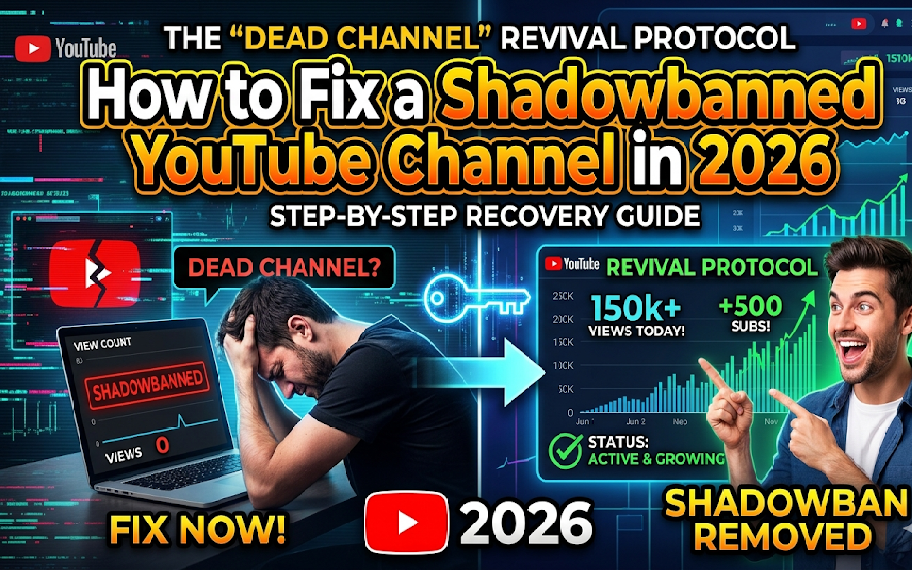
We have all been there. You spend 15 hours scripting, shooting, and editing a masterpiece. You design a killer thumbnail. You hit publish, expecting the views to roll in, but instead... crickets. Your analytics dashboard shows a flatline. 12 views. 0 impressions from YouTube recommendations.
You start searching the internet, wondering, "Is my YouTube channel shadowbanned? Is my channel dead?"
As experts who have analyzed thousands of channels here at Webyug, let us tell you a harsh truth: YouTube doesn't shadowban small creators. What actually happens is an "Algorithmic Categorization Reset." If you are stuck in the zero-view glitch, do not delete your channel just yet. Today, we are sharing the exact 5-step Dead Channel Revival Protocol to bring your channel back to life in 2026.
1. The "Click-Through" Detox (Stop Sharing to Friends)
The number one reason channels die is because creators share their tech or gaming videos with their family and school friends on WhatsApp. Here is what happens:
- Your aunt clicks the video to support you.
- She realizes it's a video about "PC Building" (which she doesn't care about).
- She closes the video after 8 seconds.
The result? YouTube's AI sees a terrible Average View Duration (AVD) and immediately assumes your video is clickbait or garbage. It permanently stops recommending it. Rule #1 of the protocol: Never share your content with people outside your specific niche.
2. The "Metadata Anchor" Technique
When a channel is "dead," YouTube has lost trust in who your target audience is. You need to spoon-feed the algorithm using heavy, precise metadata. This means your Title, Description, and Tags must perfectly align.
Instead of guessing, use professional tools. We built the Webyug Ultimate Video SEO Suite exactly for this. Just type in your topic, and it will generate an agency-level, SEO-optimized description and viral tags. Paste this into your next 3 videos to help the algorithm re-categorize your channel.
3. Community Post Hijacking
Did you know that in 2026, YouTube pushes Community Posts (Polls) to a broader audience than actual videos? If your subscribers aren't getting notifications for your videos, wake them up with a Poll.
Action Step: Post an engaging Image Poll related to your niche. For example, if you are a gaming channel, post: "Which is the ultimate weapon in BGMI?" with 4 image options. Polls get massive engagement. When your "dead" subscribers vote on the poll, the algorithm registers them as "active" again, and your very next video will appear on their homepage!
4. The 15-Second Retention Hook
Attention spans are shorter than ever. If your video starts with a 10-second animated logo intro, your channel will remain dead. You need to hook the viewer instantly.
- 0-5 seconds: Show the most exciting moment or ask the most burning question.
- 5-15 seconds: Explain exactly what value the viewer will get if they keep watching.
High retention in the first 30 seconds is the strongest signal you can send to the YouTube recommendation engine.
5. The Thumbnail Quality Jump
If YouTube gives you 100 impressions and only 2 people click (a 2% CTR), the algorithm stops pushing it. You need a Click-Through Rate of at least 6% to 10% to revive a dead channel.
Your thumbnails need high contrast, big readable text, and an emotional human element. If you are struggling with ideas, you can instantly generate cinematic, AI-powered backgrounds using the Webyug Free AI Thumbnail Generator. Just type your keyword and download a stunning base image.
Final Thoughts: Patience is the Ultimate Cheat Code
Reviving a dead channel does not happen overnight. The Revival Protocol takes exactly 4 to 6 consistent, highly optimized videos to start showing results. Stop looking at the analytics every hour. Focus on the data, optimize your SEO using Webyug tools, and trust the process. You are just one perfect video away from your breakthrough.