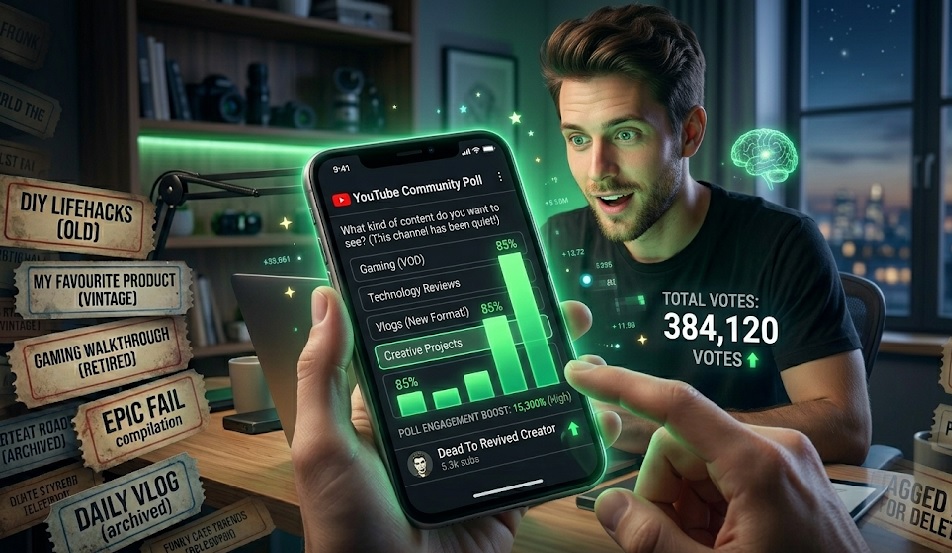
The Silent Killer of YouTube Channels
We have all been there. You look at your channel analytics, and the line graph resembles a flatlined heart monitor. You upload a video that you poured your soul into, and 48 hours later, it’s sitting at 37 views. You feel invisible. You start wondering if you have been "shadowbanned" or if the algorithm just hates you.
Here is the hard truth: YouTube doesn't hate you. It just forgot about you. If you haven't uploaded consistently, or if your last few videos tanked in Click-Through Rate (CTR), YouTube stops serving your content to your own subscribers' homepages. Your channel isn't dead; it's just asleep.
But there is a "cheat code" hiding right in plain sight on your channel dashboard. A feature most creators completely ignore, yet it has the highest organic reach of anything on the platform right now. I'm talking about the Community Tab.
Why the Algorithm Loves Community Posts
To understand why this works, you have to think like a YouTube engineer. YouTube's ultimate goal is to keep people on the app. Watching a 15-minute video requires a huge commitment from a viewer. But voting on a poll? Liking an image? That takes 0.5 seconds. It is zero-friction engagement.
When you post a poll, and a viewer votes on it, they are sending a massive signal to the algorithm: "Hey, I am still interacting with this creator!"
Suddenly, the algorithm wakes up. It realizes this viewer is still an active part of your audience. So, what happens next? The very next time you upload a long-form video, YouTube forcefully pushes that video onto that specific viewer's homepage because the Community Post just "primed" the algorithm.
The 3 Types of Posts That Actually Work
Please don't just post a link to your old video and say "Watch this!" Nobody clicks those. You need native, engaging content. Treat your Community Tab like Twitter or Instagram.
1. The "Image Poll" (The King of Engagement)
Text polls are good, but Image Polls are absolute engagement magnets. People love sharing their opinions when it's visual. If you are a tech channel, post an image poll: "Which aesthetic are you choosing for your desk setup? A, B, C, or D?" You will be shocked to see a channel with 500 subscribers get 3,000 votes on a poll. Every single one of those voters just got targeted for your next video.
2. The Vulnerable "Behind the Scenes"
People connect with humans, not brands. Share a photo of your messy editing timeline at 2 AM. Write a short paragraph about how frustrated you are with a project, or a milestone you just hit. This builds extreme loyalty. When viewers feel like they are on the journey with you, they show up for the final video.
3. The "Video Teaser" Question
Instead of just linking a video, create a knowledge gap. Let's say your next video is about making the perfect coffee. Post a picture of two coffee cups and ask, "90% of people make this one critical mistake when brewing coffee. Can you guess what it is? Answer drops in tomorrow's video." You have just created suspense.
The 24-Hour "Prime the Pump" Strategy
If you take nothing else away from this article, remember this strategy. It is the exact playbook top-tier creators use to guarantee their videos get early traction:
- T-Minus 24 Hours: Post a highly engaging Image Poll related to the topic of your upcoming video. DO NOT mention the video. Just get people voting.
- T-Minus 2 Hours: Post a "Behind the Scenes" photo showing you uploading the video or designing the thumbnail. Ask a question to get comments.
- Launch Time: Publish your video.
By the time you hit publish, you have forced the algorithm to recognize thousands of interactions with your channel over the last 24 hours. Your impressions will skyrocket compared to a "cold" upload.
Consistency is the Cure
Reviving a channel doesn't happen overnight. Commit to posting on your Community Tab 3 to 4 times a week. It takes exactly two minutes a day, requires zero editing, and is the absolute best way to keep the algorithmic fire burning while you work on your next big video. Go post a poll right now!